Prepare your child for the jobs of the future.
 All you need is a laptop, a tablet or even a phone with internet to give your child an equal chance to prepare for the future.
Robotics, coding and problem-solving open the door to tomorrow’s best careers and scholarships. Until now, programmes like this mostly reached children in big cities. Now any child, anywhere in the Caribbean or around the world, can join live from home and build and program robots with a K12YouthCode educator.
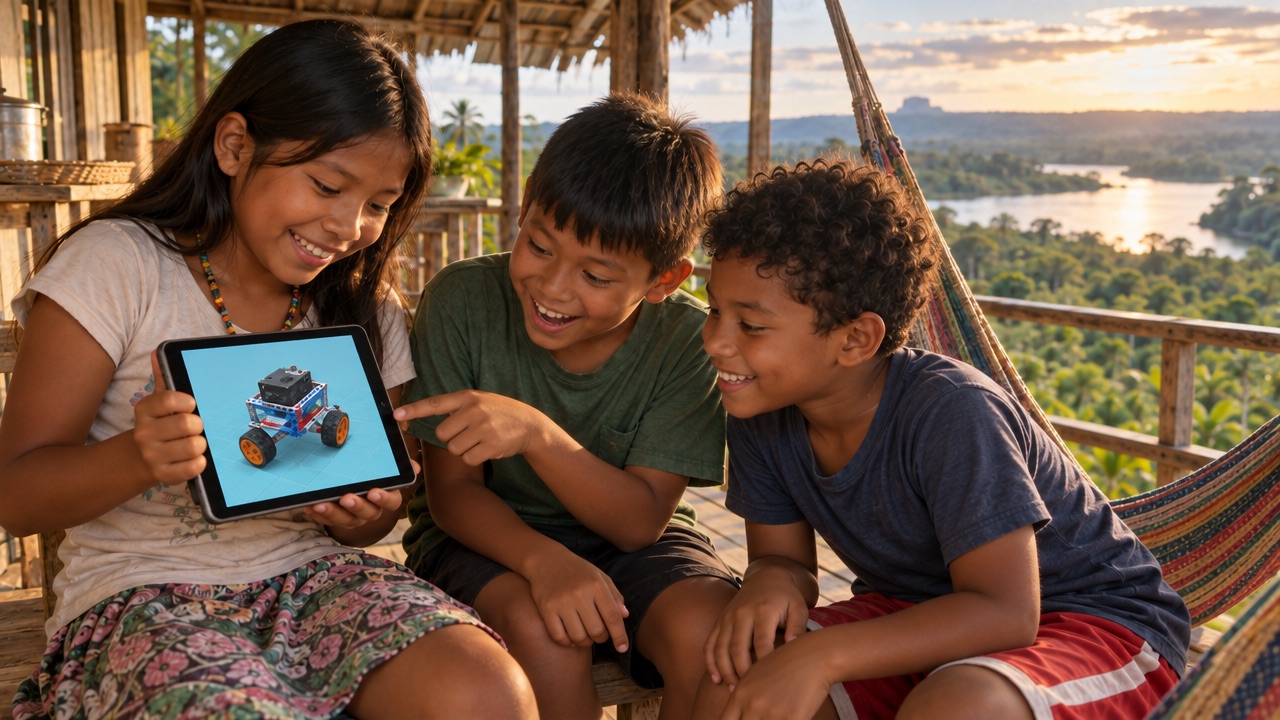
Welcome to K12YouthCode's Virtual STEM Club
The region's first-ever online club where your child can learn all about robots: how they are built, how they move, how they sense the world around them, and how to program them to think for themselves.
Each class brings a small group of young builders together with a K12YouthCode educator. Following the official MRT3 robotics curriculum, children build a new robot model one manual step at a time, take turns at the controls, and solve problems as a team, all from home.
What your child will learn
- Engineering: frames, axles, gears and wheels, and why structures stay strong.
- Electronics: motors, servos, LEDs and sensors that see, hear and touch.
- Coding: programming the MRT brain board to make robots move and react.
- Teamwork: sharing a build, passing the turn and presenting their robot.

Hands-on, step by step
Every build follows the official instruction manual, so children always know the next part to pick and where it goes.
Live with a real educator
Educators run each session, spotlight the next step for everyone, and watch every group's progress in real time.
Safe, private classes
Only their educator can add students to a class, and every team has its own shared workspace.
From sign-up to first robot in three steps
Getting started takes a few minutes. All you need is a computer or tablet with a modern web browser.
Register and join your class
Create your child's student account. Their educator then adds them to their class, with no codes to enter.
See today's lesson
After logging in, students land on their own dashboard showing today's robot build, their group and their teammates.
Start building together
One click opens the build lab. Your child follows the manual, places parts in 3D, and builds alongside their group.
43 robots across four levels
Children grow from first frames and wheels to sensor-driven, programmable robots, with a new challenge every class. Each robot in the course book comes to life in our 3D Build Lab, where children build it step by step on screen.
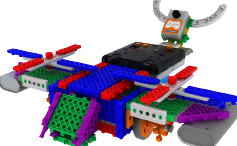
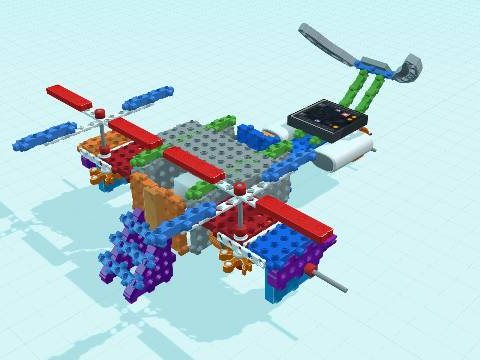
Avatar Helicopter
Frames, gears and a spinning rotor.
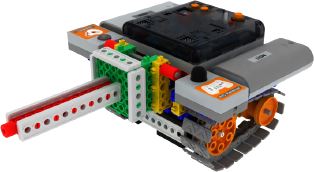
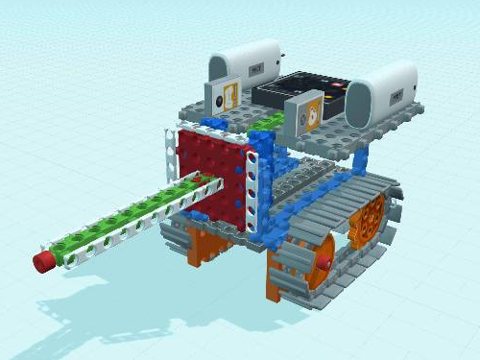
Mini Tank
Tracks, gears and first motor control.
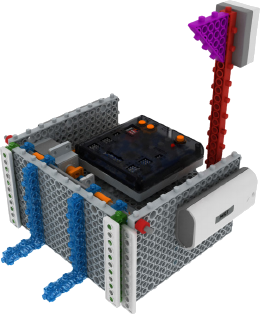
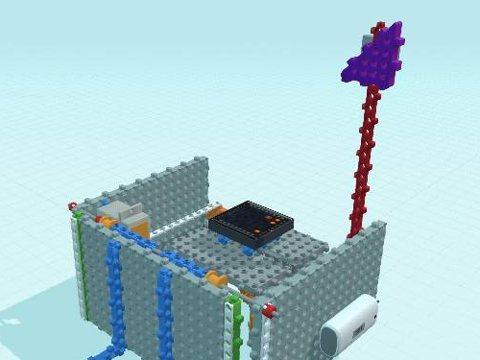
Soccer Robot
Remote driving and a kicking arm.
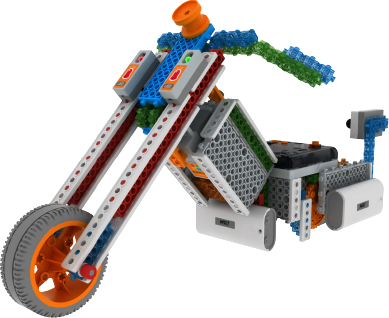
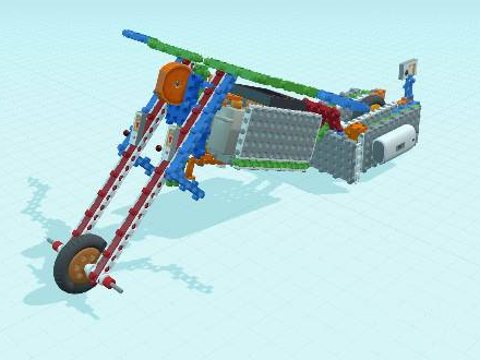
Motorbike
Servo steering and a programmable drive.
A club your child will look forward to
Real engineering, made fun and social. Children build confidence, problem-solving and creativity while making friends who love building as much as they do.
- Small groups led by K12YouthCode educators
- Progress your child can see after every class
- No travel needed: join from anywhere in the region
Run your class from one dashboard
Schedule terms, organise students into groups, choose today's lesson, and monitor every group's build as it happens.
- Add students to classes and teams
- Set today's lesson for each class
- Live progress for every team's project
Ready to build your first robot?
Create a student account, or log in to see today's lesson.